


Ideal Audience Size for LinkedIn Ads
LinkedIn recommends a minimum audience of 50,000 for most campaign types. If you follow that advice with a $1,000–$5,000 monthly budget, your ads will reach everyone a little and nobody enough. The right audience size isn't a platform default, or even a result of following LinkedIn's recommendations. it's a function of your budget, your CPM, and how many times you need to get in front of someone before they remember you exist.
This post walks through the formula we use at Osric Digital to size LinkedIn Ads audiences for B2B companies, with worked examples at both ends. That is, backing into an audience from a fixed budget, and backing into a budget from a fixed account list. There's a video walkthrough below if you prefer that format.
LinkedIn's Official Audience Size Recommendations (and Why They Don't Fit Small Budgets)
LinkedIn's help center recommends a minimum audience of 300,000 for sponsored content and messaging campaigns, with a lower threshold of around 50,000 for other formats. Text ads get a separate, smaller recommendation.
This is a bit of a contradictory recommendation, because sponsored content is most campaign types. So the 50,000 minimum and the 300,000 recommendation for sponsored content exist in tension. More importantly, these numbers reflect LinkedIn's delivery algorithm needs, not your strategic needs. LinkedIn wants enough headroom to optimize delivery across a broad audience pool. That's their incentive, because it keeps CPMs manageable for their auction and makes campaigns easier to pace.
But if you're running account-based marketing, or if your total addressable market is 500 companies with 3–5 decision-makers each, you may not have 50,000 people to target. And even if you did, spreading a $2,000 monthly budget across 50,000 people means each person sees your ad roughly once every couple of months. That's not advertising. That's ambient noise no one will remember.
The value proposition of LinkedIn Ads is targeting precision and professional context: the ability to reach specific people at specific companies while they're in a business frame of mind. Playing the game as if it were Meta, optimizing for algorithmic reach across a massive audience, defeats the purpose.
The Budget-to-Audience Formula
There's a formula that circulates in the LinkedIn advertising community (originally adapted by Kirill Vdov) that formalizes the relationship between budget and audience size. It reflects the workflow enterprise teams already follow: sales hands marketing a target account list, marketing calculates the budget required to meaningfully reach that list, and a negotiation happens.
The formula, when you're solving for budget from a known audience:
Budget = (Matched Audience ÷ 2) ÷ 1,000 × CPM × Target Frequency ÷ 0.8
Here's what each variable does:
Matched audience is the audience size after LinkedIn matches your uploaded list. If you upload 10,000 contacts from Clay or Seamless, LinkedIn might match 6,000–7,000. That matched number is what you use.
Divide by 2 because roughly half of any LinkedIn audience is active in a given month. The other half hasn't logged in recently enough to see your ads.
Divide by 1,000 and multiply by your CPM - CPM is your cost per thousand impressions. You can pull this from your account data.
Target frequency of 5 means each active person in your audience sees your ads five times per month. This is the threshold where repetition starts building memory structures, or the association between your brand and the problem you solve. If your creative is especially strong, you may get away with lower frequency. But 5x/month is a solid baseline for cold audiences.
Divide by 0.8 to account for an 80/20 budget split between cold prospecting and retargeting. The 20% retargeting layer catches people who've engaged with your ads, visited your site, or interacted with your LinkedIn page.
When you flip the formula and solve for audience size from a fixed budget, it rearranges to:
Audience = Budget × 0.8 × 1,000 × 2 ÷ CPM ÷ Target Frequency
If you don't have CPM data yet, assume $50 to start. It's a reasonable midpoint for B2B targeting at the seniority levels most companies care about (Director+, VP, C-suite).
Worked Example: Sizing an Audience for a $1,000/Month Budget
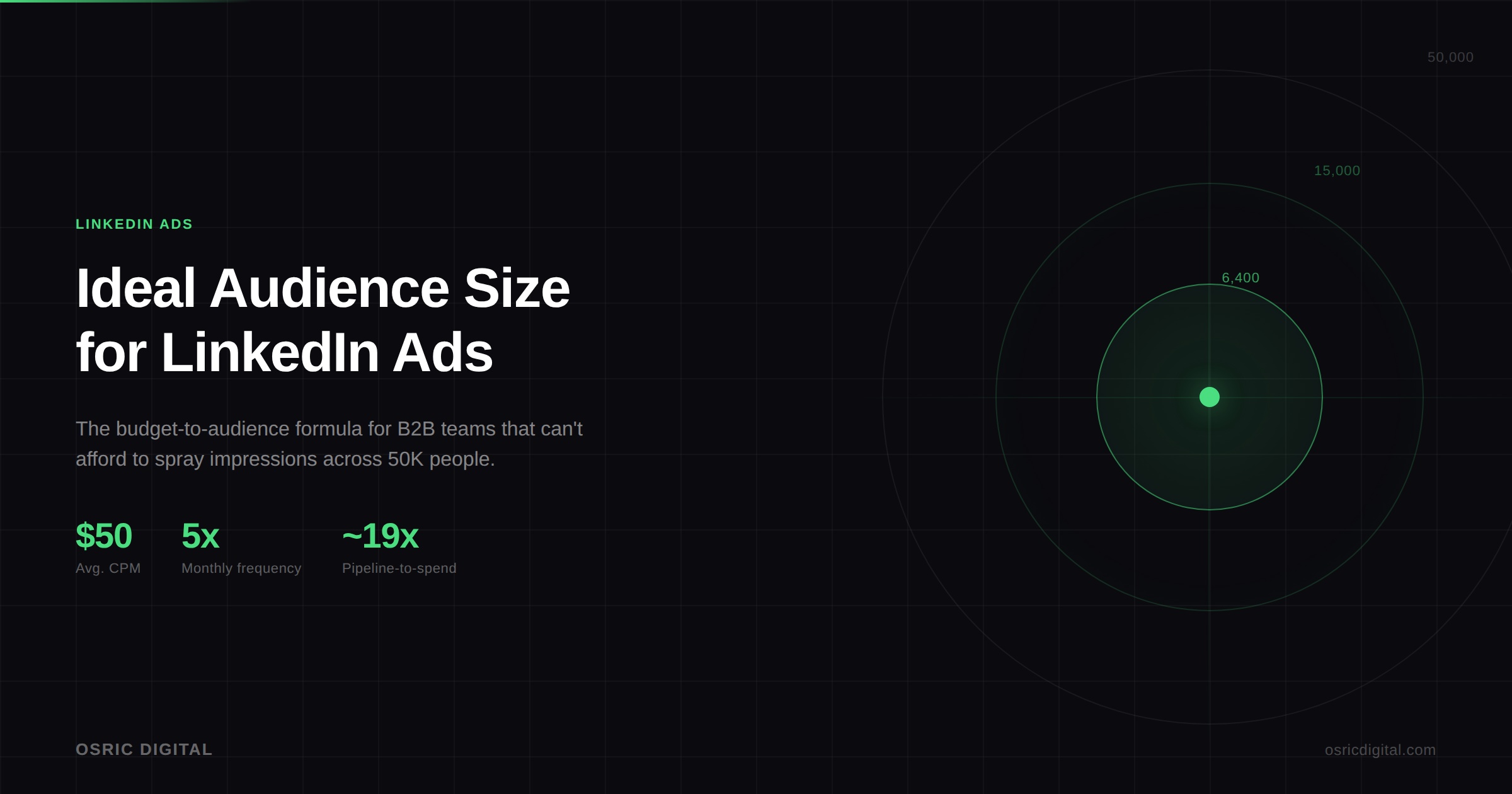
Start with a $1,000 monthly budget. The cold layer (80%) is $800. At a $50 CPM, that buys 16,000 impressions per month. Divide by a frequency target of 5, and you get a monthly reach of 3,200 people. Since only half the audience is active in a given month, your total matched audience should be around 6,400.
That's the number. Not 50,000. Not 100,000. It's 6,400 people. This is a tight, well-defined list of accounts and titles that your budget can properly saturate.
At this budget, you're looking at a company list of maybe 200–400 companies, filtered to 3–5 job titles per company. Upload via LinkedIn's audience manager, layer by seniority and job function, and you'll land in the range. LinkedIn will flag the audience as too small. Ignore the warning. It's a delivery signal, not a strategy signal (more on that below).
$1,000/month is viable for LinkedIn Ads. You just have to match the audience size to what the budget can actually support. Most agencies will tell you not to bother below $3,000–$5,000/month. We disagree. A small budget with a tight, well-saturated audience outperforms a larger budget sprayed across 50,000 people every time.
Worked Example: Sizing a Budget for a 50,000-Person ABM List
Now flip it. Say your sales team hands you a Clay-matched list of 50,000 contacts and wants LinkedIn Ads to penetrate those accounts. At a $50 CPM, here's the math:
Active audience (50% of 50,000): 25,000. Impressions needed at 5x frequency: 125,000 per month. At $50 CPM, that's $6,250 for the cold layer. Add 20% for retargeting, and you're at roughly $7,800/month.
That's part of why LinkedIn Ads has a reputation for being expensive. Most companies start with an enterprise-scale audience and then discover what it costs to meaningfully reach it. The alternative is to start with the budget, size the audience accordingly, and expand as results justify the spend.
In practice, we often see enterprise teams negotiate down from here. The sales team wants to reach 50,000 contacts; the budget supports 15,000. So you prioritize: tier the account list by deal size or likelihood to close, target Tier 1 accounts first, and expand as the budget grows or as Tier 1 results prove the channel.
Why the "Audience Too Narrow" Warning Is a Delivery Signal, Not a Strategy Signal
When you launch a campaign with an audience under LinkedIn's recommended minimum, you'll see a warning that the audience may be too small to deliver effectively. This is LinkedIn telling you the algorithm prefers more headroom. It is not telling you the campaign won't work.
What happens in practice: delivery may be slightly less consistent day-to-day, and LinkedIn's automated bidding will struggle more with small audiences (which is one reason we always recommend manual bidding on LinkedIn. It gives you control over pacing and cost regardless of audience size). But the ads will serve. We've run campaigns targeting fewer than 5,000 matched contacts and delivered consistently with manual bids.
The warning exists because LinkedIn's system is optimized for the median advertiser, which is a large enterprise running broad awareness campaigns. If you're running ABM to a defined account list, you're not the median advertiser, and the platform's default recommendations don't apply.
Frequency Targets: What 5x/Month Actually Buys You, and When to Refresh Creative
Five impressions per person per month is not arbitrary. It reflects how memory works in advertising, specifically the idea (drawn from Byron Sharp's research on brand salience) that purchase decisions are influenced by mental availability, and mental availability is built through repeated, distinctive exposure.
At 5x/month, you're ensuring each person in your audience encounters your brand roughly once per week, accounting for varying activity patterns. Below 3x, most people won't retain the exposure. Above 8–10x, you start hitting diminishing returns and creative fatigue.
Creative fatigue is the practical ceiling. In our experience managing LinkedIn campaigns across SaaS, fintech, and professional services verticals, ad engagement (click-through rate, dwell time on video) starts declining noticeably after 6–8 weeks of the same creative. The fix is rotation: maintain 3–4 active creatives per campaign and swap the lowest performer every 4–6 weeks. This keeps frequency high without staleness.
One nuance: thought leader ads (ads promoted through a personal profile rather than a company page) tend to have a longer shelf life before fatigue sets in. In a campaign we ran for a B2B creative studio, thought leader ads drove 59% of total conversions on just 30% of the budget, partly because the format feels less like an ad and more like a LinkedIn post, which means people tolerate higher frequency before tuning out.
How CPM Ranges Shift the Math: Real Numbers from SaaS, Fintech, and Professional Services
The $50 CPM assumption is a reasonable starting point, but actual CPMs vary meaningfully by vertical, seniority targeting, and geography.
What we typically see across our accounts: SaaS campaigns targeting VP+ at mid-market companies tend to run $45–$65 CPM. Fintech, especially when targeting compliance or risk roles, runs higher — $55–$80 is common. Professional services (consulting, legal, advisory) tends to be on the lower end, $35–$55, because there's less advertiser competition for those audiences on LinkedIn.
Geography matters too. US-only targeting runs 20–40% higher CPM than campaigns that include European or APAC audiences. If your TAM is global, blended CPMs come down, but you need to watch the professional demographics report to make sure impressions aren't concentrating in lower-value geographies.
The takeaway: if your actual CPM is $70 instead of $50, the audience your budget can support shrinks by about 30%. Run the formula with real data as soon as you have it — even 2 weeks of campaign data gives you a usable CPM baseline to recalculate.
When to Run a Smaller Audience Anyway
There are scenarios where you deliberately run an audience well below the formula's output:
ABM with a defined account list. If your sales team has 100 target accounts and you need to influence the buying committee at each one, your audience might be 2,000–3,000 people. That's fine. The budget just needs to match: at 3,000 matched contacts, you might spend $400–$500/month and still achieve meaningful frequency.
Retargeting pools. Retargeting audiences are usually smaller. They're people who've already visited your site, engaged with your ads, or interacted with your LinkedIn page. If you don't have a lot of traffic on to your website or LinkedIn Company Page, these audiences might be a few hundred people. Run them anyway. The cost is low and the conversion rates are dramatically higher than cold traffic.
Niche verticals. If you sell to a market with 500 potential customers (cleantech advisory, specialized legal, niche fintech), the entire addressable audience on LinkedIn might be 5,000 people. Don't pad it with adjacent titles just to hit LinkedIn's minimums. Target the real audience and let the budget match.
In all these cases, the key principle is the same: your audience should be sized to what your budget can saturate at meaningful frequency, not to what LinkedIn's algorithm prefers. Start with the budget, solve for audience, and build from there.
Talk to Us
If you need help sizing your LinkedIn Ads audience or integrating LinkedIn Ads into your ABM program, we're happy to talk, whether your budget is $1,000/month or $50,000/month and no matter what stage you're at in the campaign planning process.